Savour reads your ingredients
For every recipe line Savour looks up the ingredient in the Savour list: a shared list of ingredients and their allergens, in Dutch, English, German, Spanish and French. Whatever is on it counts straight away. So you do not have to enter hundreds of ingredients yourself.
Through base recipes too
If you use a stock, a dough or a sauce from your own recipes, the allergens of that base recipe count too. If there is celery in the stock, you also see celery on the dish that uses it.
One question at a time
Whatever Savour is not sure about is under To check: is this suggestion right, is it right for your brand, is this your own recipe, is this an ingredient at all? You answer with one click. Nothing in a recipe changes unless you say yes.
The 14 allergens, and what you switch on
By default you see the 14 allergens from the European rules. If guests also ask about lactose, pork, alcohol or garlic, you switch those on yourself. They are off by default.
Never quietly "allergen-free"
As long as an ingredient has not been checked, the recipe says it is not complete yet. Only when everything is checked does Savour say it contains none of the 14 allergens. Allergens differ by brand, for example for gelatine, soy sauce, chocolate and stock: always check the label of your brand.
Allergen chart and print
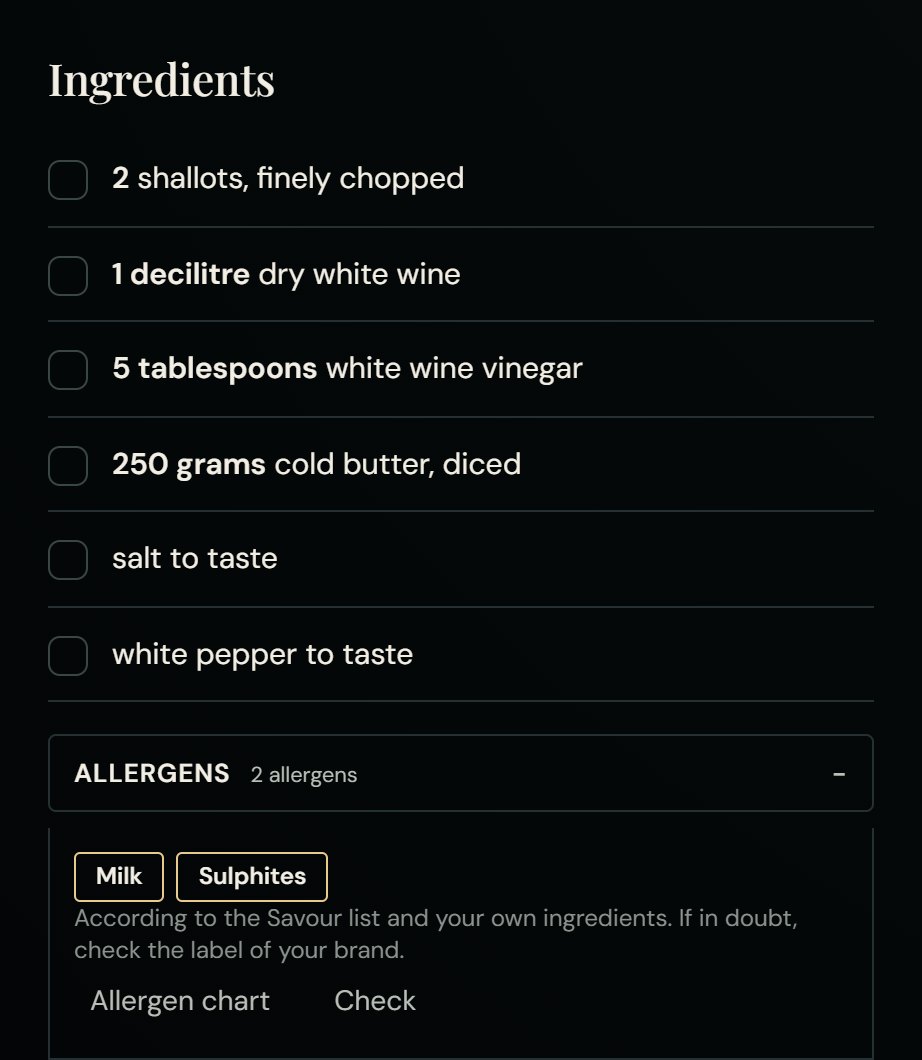
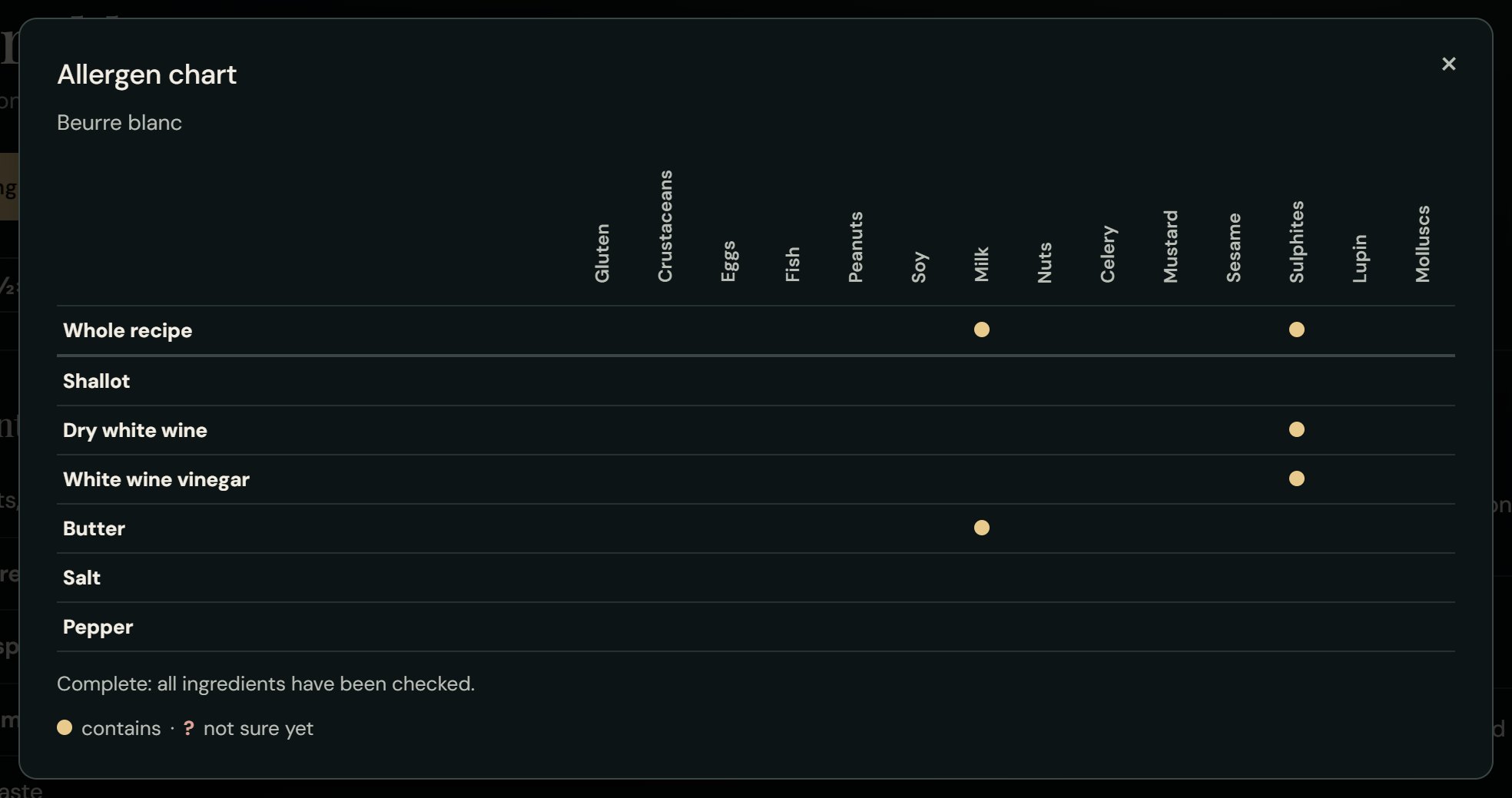
On every recipe you fold the allergens open. The allergen chart shows for each ingredient line which allergens it contains. When printing, you choose whether the allergens go on the paper. Read more in Allergens in Savour: how it works.